

Shakespeare was undoubtedly an incredible genius to walk the earth. Nevertheless, was he to live nowadays he would highly appreciate the opportunities digital tools offer to writers. From stylistics to grammar, there are endless blog writing tools that will polish your texts and turn them into pieces of art.
If you’re just starting a blog or just need to make sure your writing is impeccable, no worries! We’ve got you covered.
I’ve divided the tools into two different categories for each of the stages of your writing. All of these tools contribute greatly to your writing style, grammar, and organization. Using them has turned out to change my perception of blog writing and idea management and I’m sure it will do the same to you, too!
Editing and Proofreading
Any writer I know would confirm that the editorial process can be the worst nightmare when all you want to do is to let your creative soul flow. It, however, is one of the most important stages of writing, and neglecting it can turn your blog post into a catastrophe. Making sure your posts are just right before publishing them is one of your most important responsibilities as a blogger.
1. Grammarly
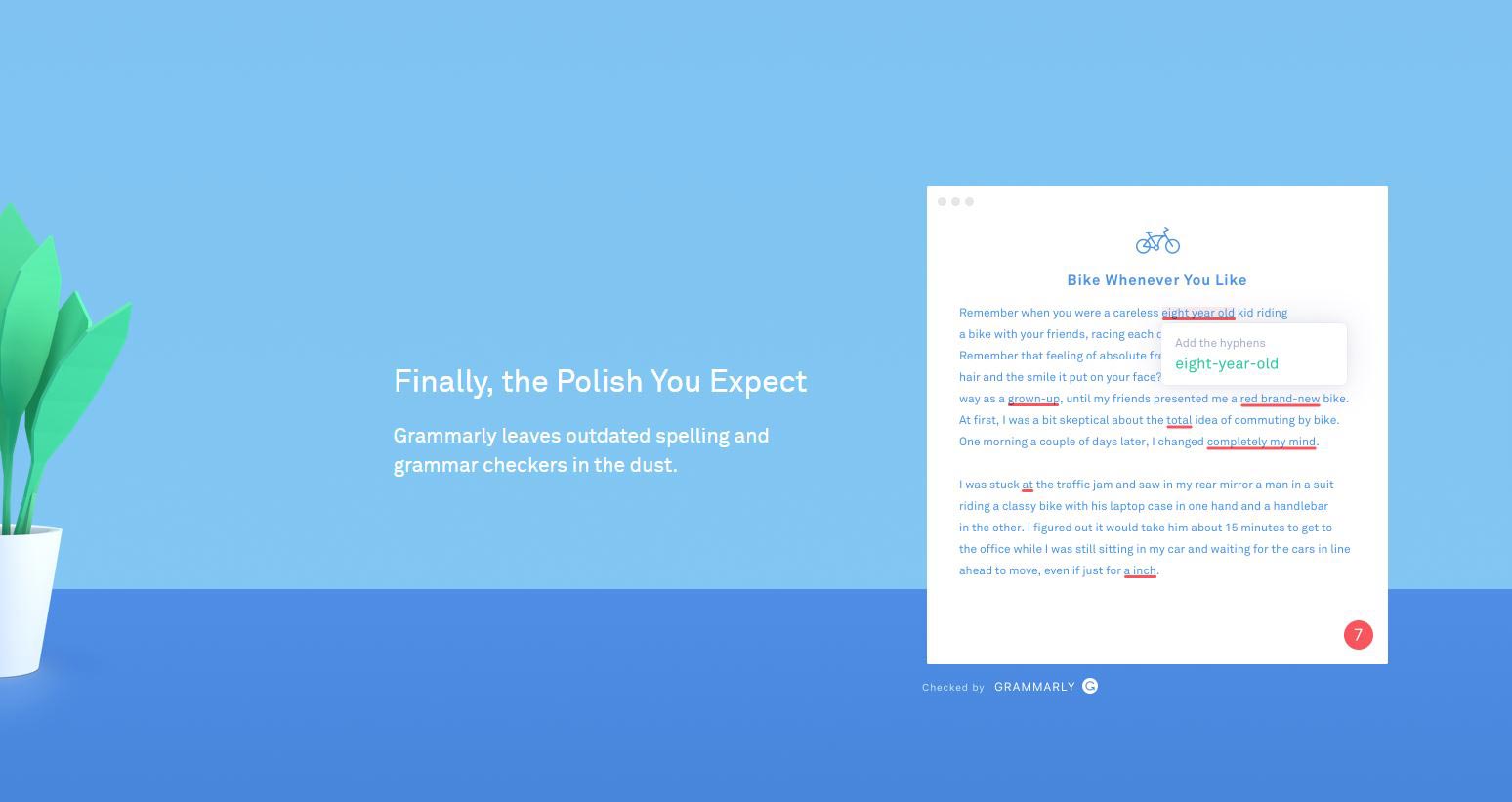
Grammarly is the king of blog writing tools. Not only because it has a free Google Chrome extension but also because it covers almost any website and software you might use for writing. You can use it as an extension, as an online tool, as a desktop app, or as an add-in for Microsoft Word.
Grammarly is not your regular spell checker, for sure. Not only is it a trustworthy companion on your punctuation, spelling, and grammar errors journey but it’s that publishing editor which won’t let you have any poor-word usage and awkward phrasing.
2. Hemingway App
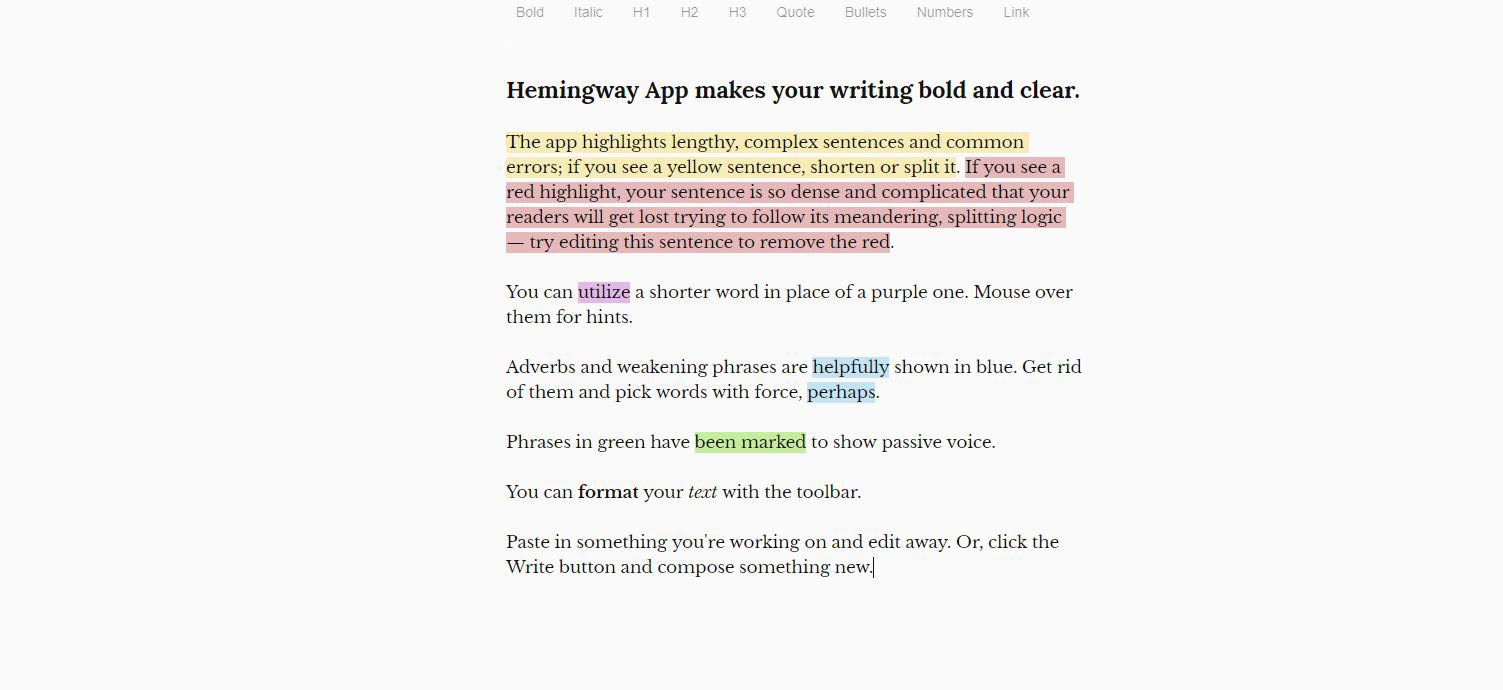
Just like the eminent American writer, Hemingway has mastered the English language’s subtleties to precision. Also, like him, the app values concise writing above anything else and thus, takes care of any worldliness and verbosity that might occur in your writing.
The app is available for free online and premium for offline use. With the premium option, you can also export and directly post your content into a CMS.
The main advantage of Hemingway is that it offers not only proofreading and detection of unnecessarily long sentences but also offers simpler alternatives to overly complex phrasings.
3. CoSchedule Headline Analyzer
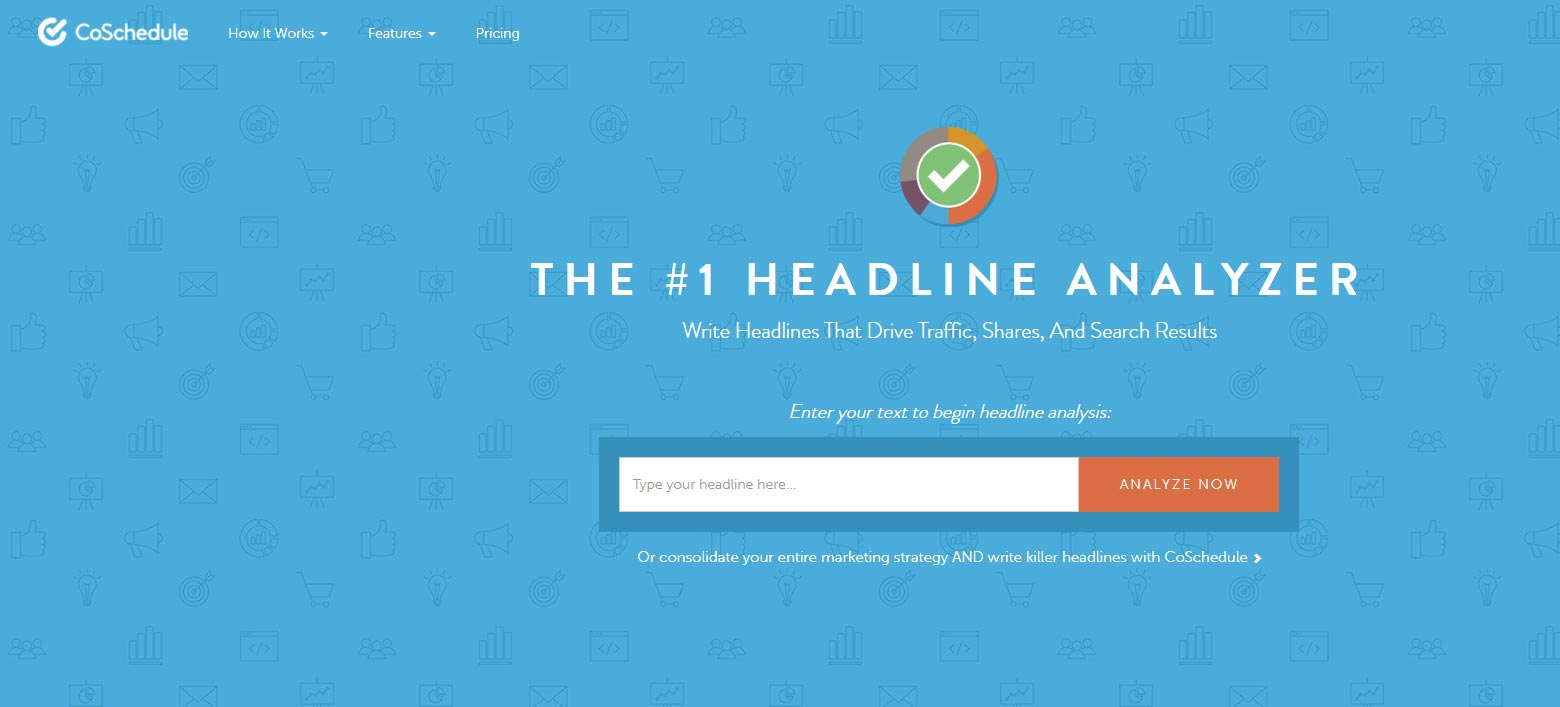
CoSchedule Headline Analyzer is a tool developed by CoSchedule that measures the impact of your headlines on different levels. Simply paste your headline and the analyzer calculates your Headline score based on your usage of common, uncommon, emotional, and power words.
The tool can be of great assistance when in doubt about the exact way you want to phrase your blog post titles, e-mail subjects, and any other headline message that needs to be engaging and impactful.
Ideas Capturing and Organizing
The process of generating ideas might seem as an uncontrollable creative flow until you learn how to turn it into schedules and organization. Don’t worry, no one is trying to cut your wings by putting you into boxes. With time, you’ll find out that self-management and detailed preparation will give you that much-needed control over your work.
4. Evernote
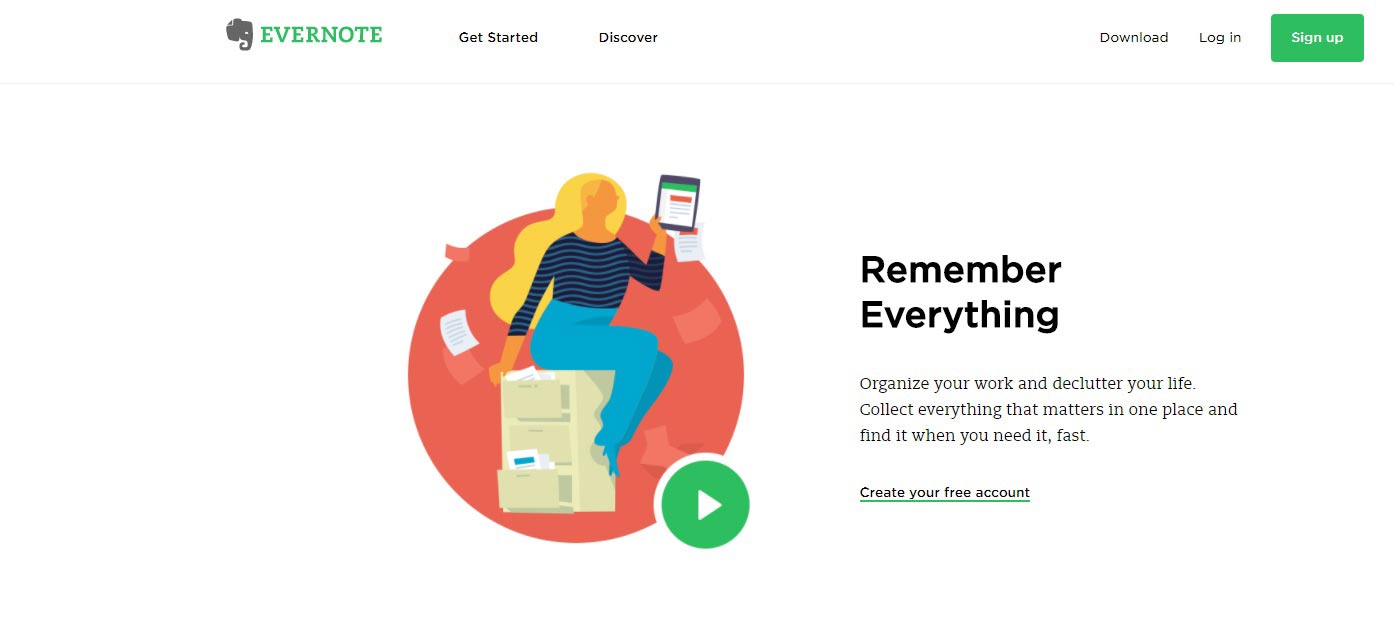 Evernote is your memo app on steroids. Allowing you to organize your work, the app promises to declutter your life. As a mobile, desktop, and web app, it lets you store your ideas that sync on all of your devices.
The app has a constant save & sync ensuring you never lose your writings. Supporting content such as reminders, audio, attachments, pictures, handwriting, and text notes, Evernote has quickly become our favorite organizing app on the go.
5. Scrivener
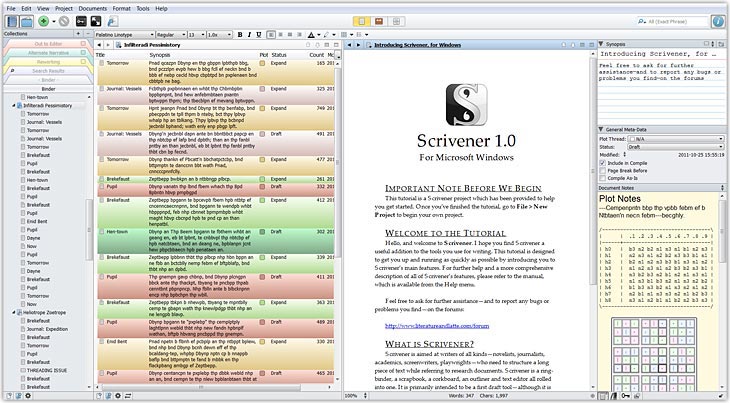
If your favorite classic novelist had any idea that by 2017 they would be able to write their entire book using a single app, they would probably come back to life. Scrivener is exactly that.
The software lets you organize, write, edit and locate the different parts of your text, thus creating one consistent writing that maintains its completeness. It essentially serves as a project management tool allowing you to set due dates, make quick edits to long texts, and create the structure of a finished text.
6. Google Docs
 While it might seem too obvious to be included in this list, Google Docs is arguably one of the best- working free tools for your text organization and blog writing.
One of the most important features it offers to its users is the option to invite team members who can either edit in real-time or view your documents. Again, here we have automatic saving which has saved bloggers’ lives more than once.
***
As technologies develop and blogging becomes more of a content-management skill, tools are becoming much more user-oriented. No matter how good of a writer you are, you (just like your favorite author) need that experienced publisher to proofread your text before it is introduced to the world. Now, you can have that all on your device. And only if you’re incredibly talented, you’ll know how to add that pinch of spice that turns good writing into a masterpiece.